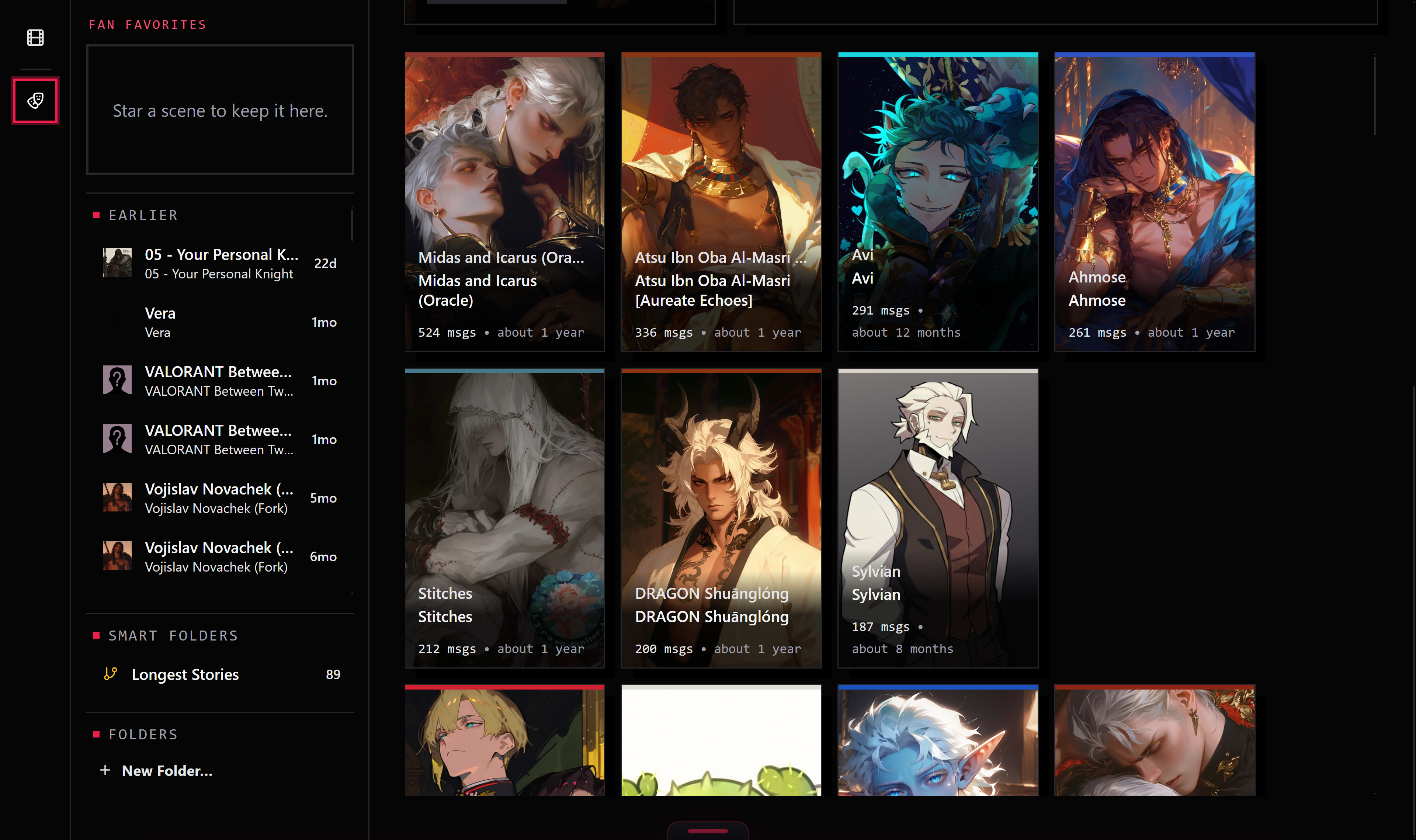
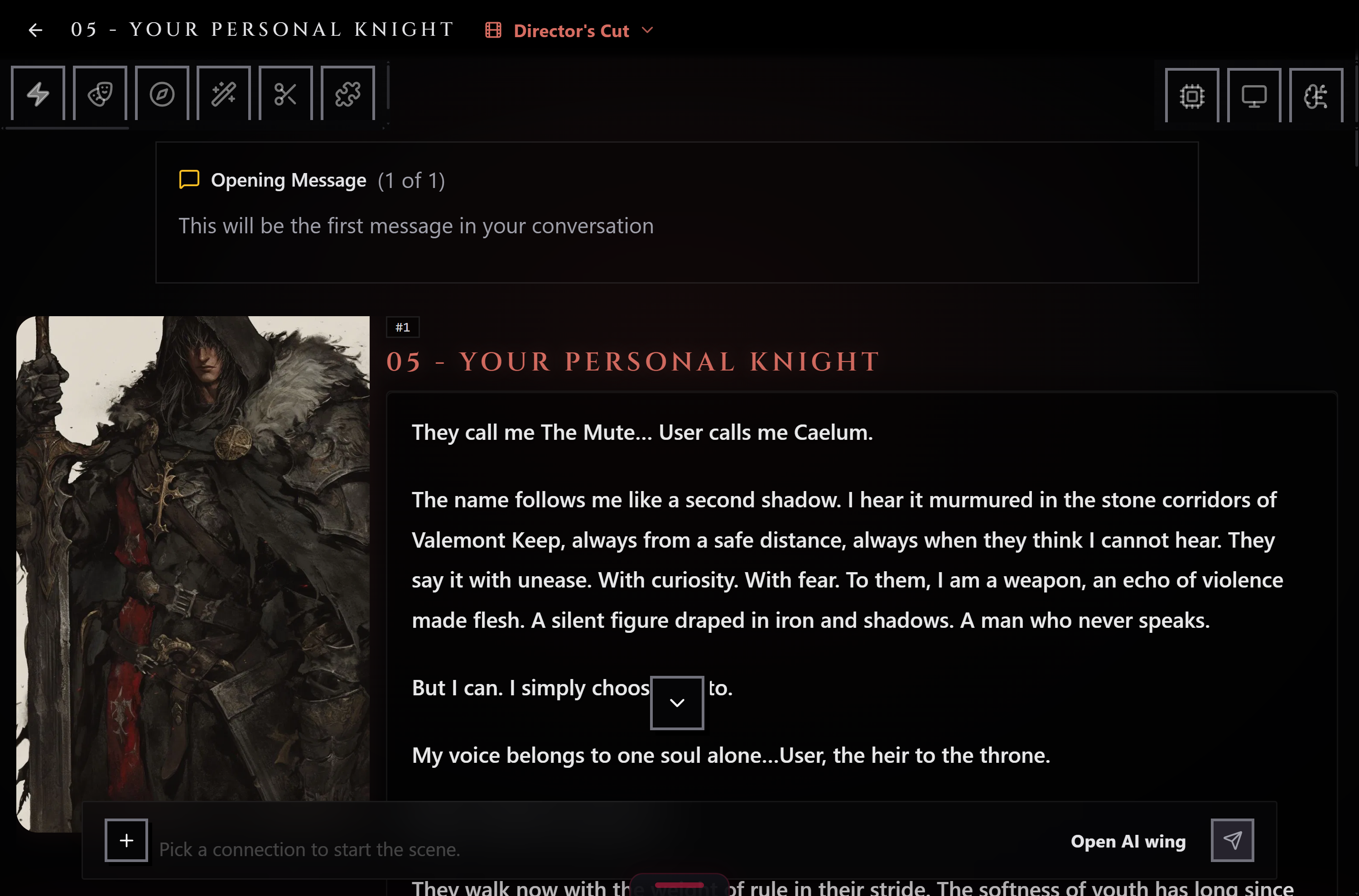
Start a scene from a character in your Library and talk. Replies come from your own AI connection and write themselves in as they arrive.
Start from any card. Start Scene sits under every character in the Library. The scene keeps its own copy, so editing the card later never rewrites your story.
Takes and branches. Branch from any message into a new take. Name your takes, switch between them, and the original stays put.
Stop, regenerate, flip. Stop a reply mid-sentence and keep what arrived, or regenerate and step through the versions with the arrow keys.
Your model, your preset. Pick a connection and model for each scene, and a preset from your library, with switches and sliders tuned just for this scene.
Card updates, on your terms. When a character gets a newer version, the scene offers it, and can go back to the old one.
Nothing lost by accident. Deleted scenes wait in the Trash for 3 days, and cut messages for 1 day.
Scenes need the installed app and an AI connection. The browser version cannot play them yet.
The Scenes page: your stories and recent takesInside a scene: Your Personal Knight's opening message