Docs / User / Create and manage personas
Create and manage personas
A persona is your side of the fiction, the identity a target app shows the model as {{user}}. Only a name and some text are required; a tagline, pronouns, a portrait, colors, a linked lorebook, and where it gets injected are all optional. This page covers building one on the Workbench and the handful of places a persona behaves differently from a character or a lorebook.
The short version
- Create it. On the Personas deck in the Library, click New persona (the shelf's own tile, or the button on an empty deck). It saves immediately as "Untitled persona" and opens on the Workbench.
- Fill in who you are. Give it a name, a tagline, pronouns, height, and age, then write either the section fields, Appearance, Body, Personality, Quirks, History, or, if you have no use for sections, the flat Identity Text.
- Narrow it to one host, if you're building for one. The Write for strip in the header defaults to Bunzai, the full card. Pick a platform and the form drops to only what that platform's wire carries; nothing is deleted.
- Set where it's injected, and link a lorebook if it needs one. Both live in the right-hand cards: Prompt Injection and the Knowledge card on the left.
- Save it. Ctrl+s or the Save button, the same as any other piece, as described in Edit a piece.
- Star it as default if you want the shelf to flag it, then stage it for the Press when you're ready to ship it as a file.
What actually reaches the model

Content is the fallback, not a second copy. Fill in even one section and the compiler ignores Identity Text entirely; it only wakes up once every section is empty. Body has its own card, physical specifics, but it folds into the Appearance tag when compiled, it never gets a tag of its own.
Identity always leads. Pronouns, tagline, height, and age are not a section; they compile first, ahead of whatever order you've put the sections in, every time.
Brief never crosses. Brief is the library-card blurb on the Personas shelf and nothing more; it never enters the injected block. If a line reads like your persona's voice, it belongs in a section or Identity Text, not Brief.
A concrete case. Say you've written full sections and there is old flat text still sitting in Identity Text. Because the sections are filled, that old text is ignored, not deleted, just inert. Switch Write for from Bunzai to Agnai and the section fields, traits, palette, and the injection picker all leave the form, Agnai's wire has no place for any of them. Switch back to Bunzai and everything you wrote is still there.
Labeled colors compile too, one tag per color named from its label: label a swatch Hair and name it chestnut, and the model sees <hair>chestnut (#7b4b32)</hair>. The Live Preview card always shows this exact output, it's the real compiler, not a mock.
Where it's injected, and what travels with it
The Prompt Injection card lists the stops your Write for lens actually carries, RoleCall's four (World, Character, Scene, Depth) or SillyTavern's five (In prompt, Note top, Note bottom, In chat, None); a platform with no injection wire at all, Lumiverse or Marinara, hides the card. Depth and In chat both ask for a depth number, In chat also asks for a role, system, user, or assistant. A stop set under a different lens shows up dashed amber and disabled, labeled kept, not carried here, so you always know a foreign choice survived even though this lens can't set it. None of this makes Vaud chat with anything; it decides where the target app will place the block once you export.
The Knowledge card attaches, reorders, and detaches linked lorebooks the same way a character's does. The honest catch: SillyTavern, RoleCall, and Lumiverse each carry a single lorebook reference on their persona wire, not a list, so if you've attached three, only the top one crosses on export. What crosses is a reference too, an id the target app is expected to already have; the lorebook's own entries do not ride inside the exported persona file, and staging a persona for the Press never pulls its linked book along as a rider the way a staged character does. Stage the lorebook itself if it needs to travel.
The star button, Set as default persona, only flags one persona for the gilt Default badge on the Personas shelf. It is a marker in your own studio; nothing else in Vaud reads it automatically.
Converting and exporting a persona
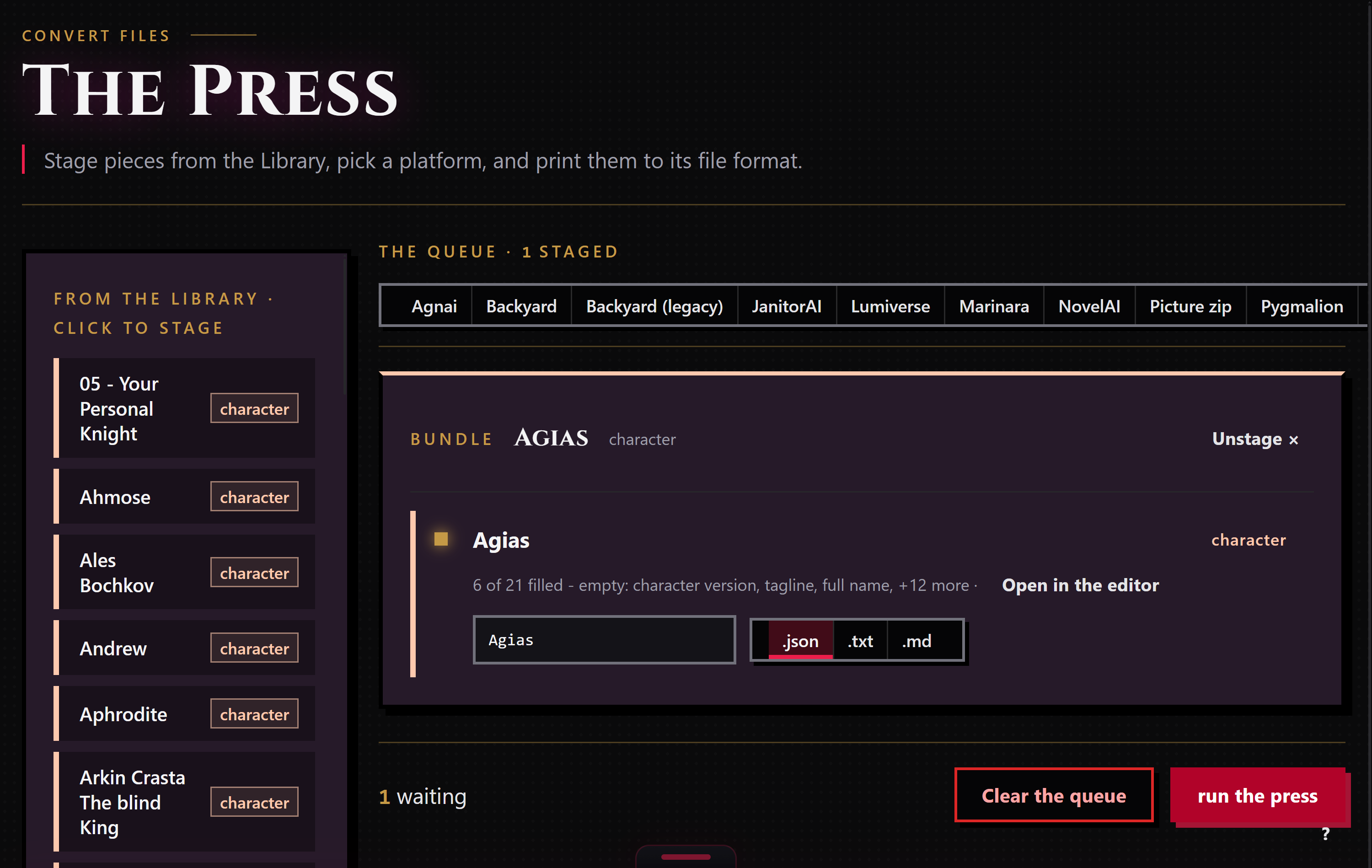
A persona's own editor carries no Export button, unlike a character's. To get one out as a file, right-click the piece and choose Stage for the Press, or click it on the Press left rail, pick a target platform, and run the press (see Convert a card). A staged persona always runs as its own solo row; it never bundles into a bundle the way a character and its linked lorebooks do. A target with no persona wire, Agnai for one, prints a skip row instead: Agnai has no persona format. Its structured persona lives on a character card there, not as a file of its own.
SillyTavern is the one to know about going in, too. ST keeps every persona you've made in a single Personas backup file, not one file each. Import that backup and Vaud reads its default persona (or the first, if none is marked default) as the one editable piece; every other persona in the file is kept whole and sealed inside it, not shown as a piece of its own in your Library. Export back to SillyTavern from that same piece and the sealed ones re-emit untouched alongside your edit. There is currently no way to pull one of the sealed personas out on its own.
Tips
- Sections beat Identity Text the moment any one of them has text in it. Clear every section if you want old flat text gone, not just hidden.
- Brief lives on the shelf only. Keep your one-line blurb there and put the real voice in a section or Identity Text.
- A Write for pick only narrows what you see; nothing is deleted. Click Bunzai to see the whole card again.
- Only the first linked lorebook crosses on export. Reorder the Knowledge card if a different book should be the one that travels.
- There is no Export button on a persona's own editor. Stage it and run it through the Press when you want a file out.