Docs / User / NovelAI
NovelAI
NovelAI has no character-card concept of its own. The one portable file it gives you is a lorebook: a .lorebook file (plain JSON underneath). This page shows you how to bring one into Bunzai, edit it, and send it back out, whether to NovelAI again or to another app.

What Bunzai reads
Bunzai reads NovelAI's native lorebook export, as a .lorebook file or a plain .json with the same shape. It recognizes the export by looking inside the file, at the version number and the entries list, not by the file name.
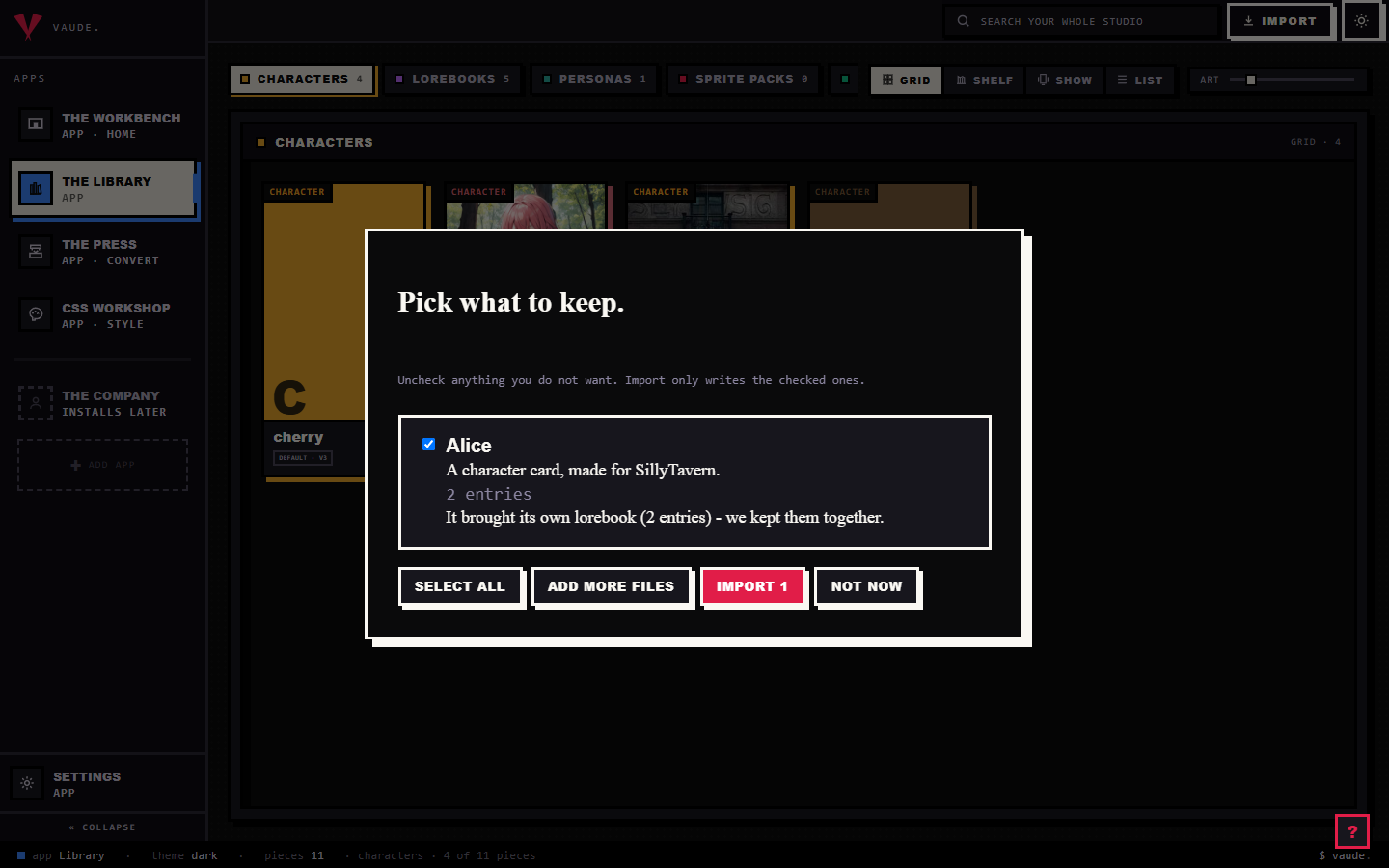
Because NovelAI has no character card, dropping one in never produces a character. It lands in the Library as a standalone lorebook piece. To bring one in, drag the file onto the Library and drop it anywhere in the room. Bunzai reads the file and shows you a plain-words receipt: what it read, and what it kept. For the full walkthrough, see the importing guide.
What comes across cleanly
Importing loses nothing. Bunzai keeps a complete copy of the original lorebook, then lifts the parts you actually work with into fields you can see and edit directly:
- Each entry's title and the passage it inserts
- Its keywords, including any entry that carries an inline
/regex/pattern instead of a plain word - Whether the entry is enabled, and whether it is always on
- How far back it scans, and where it falls in the book's placement order
- Which category it belongs to, and the book's own list of categories
- Two NovelAI-only activation toggles: whether a keyword only matches near this entry, and whether the entry can fire outside the story text at all
- The context wrap and budget settings around the passage, such as what text frames it, how many tokens it may use, and what happens when room runs tight
- Any phrase bias groups on the entry, a nudge toward or away from specific words while it is active
That covers everything a real NovelAI export puts in front of you. The book's own settings and its folder details are held safely in the background, and Bunzai keeps the original file besides, so nothing is thrown away even when it has no field to sit in.
What changes when you convert to another app
This is the honest part, and it is simple once you see the rule.
A same-app round-trip keeps everything. Import a NovelAI lorebook, edit it, and export it back to NovelAI, and you get everything back, because Bunzai kept the original lorebook and only re-writes the entries you actually changed.
Converting to a different app is where things drop. Only the shared lorebook entries cross over. NovelAI's private dials, the ones built specifically around how NovelAI assembles a prompt, are left behind on purpose.
| Content | Back to NovelAI | To another app |
|---|---|---|
| Core entry: title, passage, keywords, enabled, always-on, scan distance, placement order | Kept | Comes across, as far as that app can hold it |
| Category assignment | Kept | Comes across if that app has categories or folders of its own (RoleCall, Risu); dropped elsewhere |
| Key-relative and non-story activation toggles | Kept | Dropped |
| Context wrap and budget settings (framing text, token budget, what to trim first) | Kept | Dropped |
| Phrase bias groups | Kept | Dropped |
| Book-level settings, folder details, internal ids | Kept | Dropped |
"Another app" here means a genuinely different app that also has a lorebook of its own: SillyTavern, RoleCall, Risu, or Agnai. A plain app with no lorebook format, like Backyard or Pygmalion, is never offered as a lorebook target in the first place, because there is nothing on its side to write one into.
One more honest note. NovelAI counts its scan distance in characters of story text. An app that counts in messages instead reads the same number unchanged, so a NovelAI entry that scanned back 1000 characters can land as 1000 messages after a cross-format convert. That is a number crossing into a different unit with nothing there to convert it, not a bug.
Editing on the Workbench
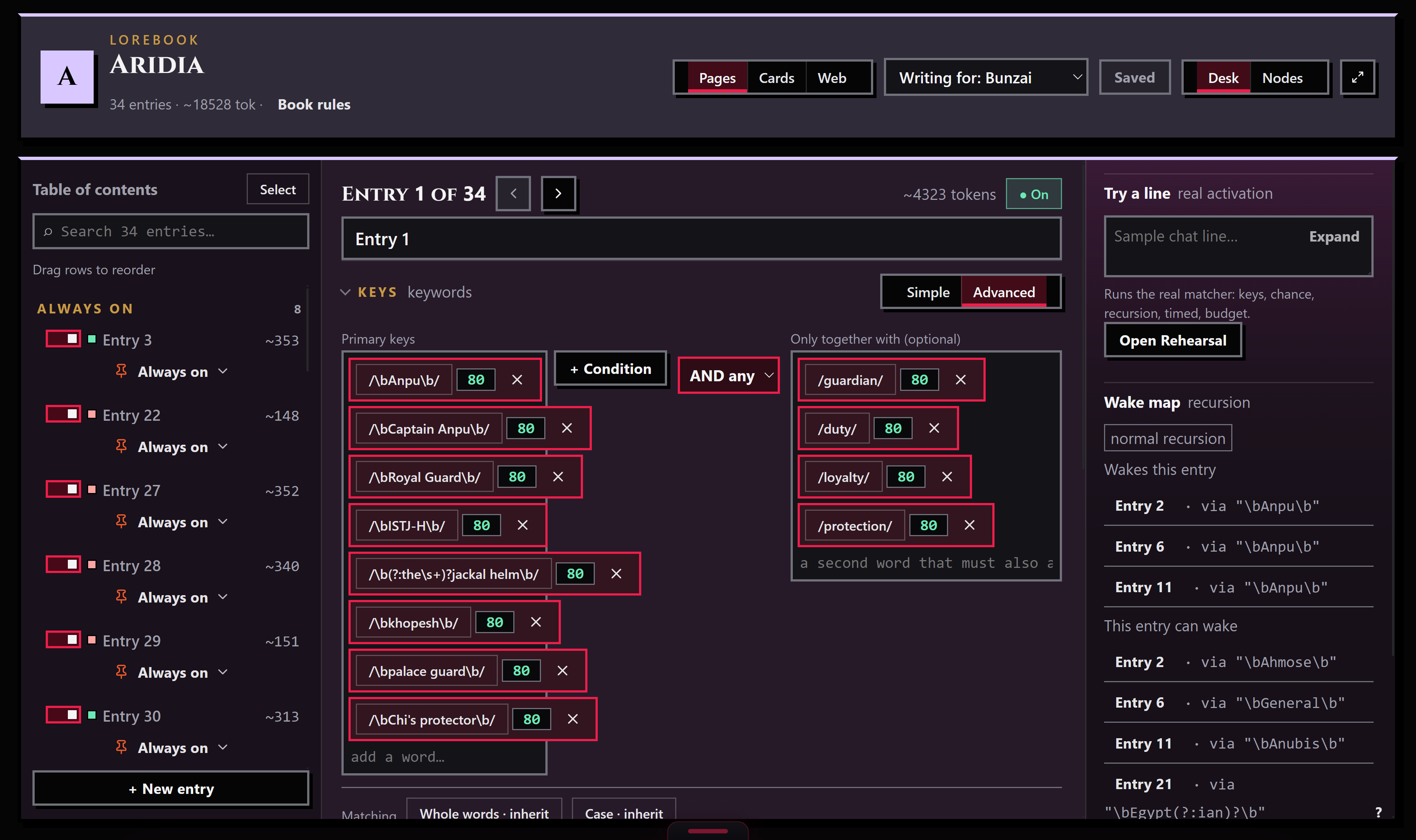
Send a piece from the Library to the Workbench and a lorebook opens onto its own binder: a table of contents down one side, and the entry you're on open on the page. Edit its title, its passage, and its keywords there. Save, and Bunzai writes back only what changed, so an entry you never touched stays exactly as it was.
Pick "Writing for: NovelAI" from the platform tabs and NovelAI's own dials rise to the top of the entry: the two activation toggles, the context wrap and budget settings, and phrase bias. Fields other apps use and NovelAI does not fold out of the way. Nothing gets deleted by folding it away, either. Switch "Writing for" back to Bunzai and everything is still there.
Exporting back out
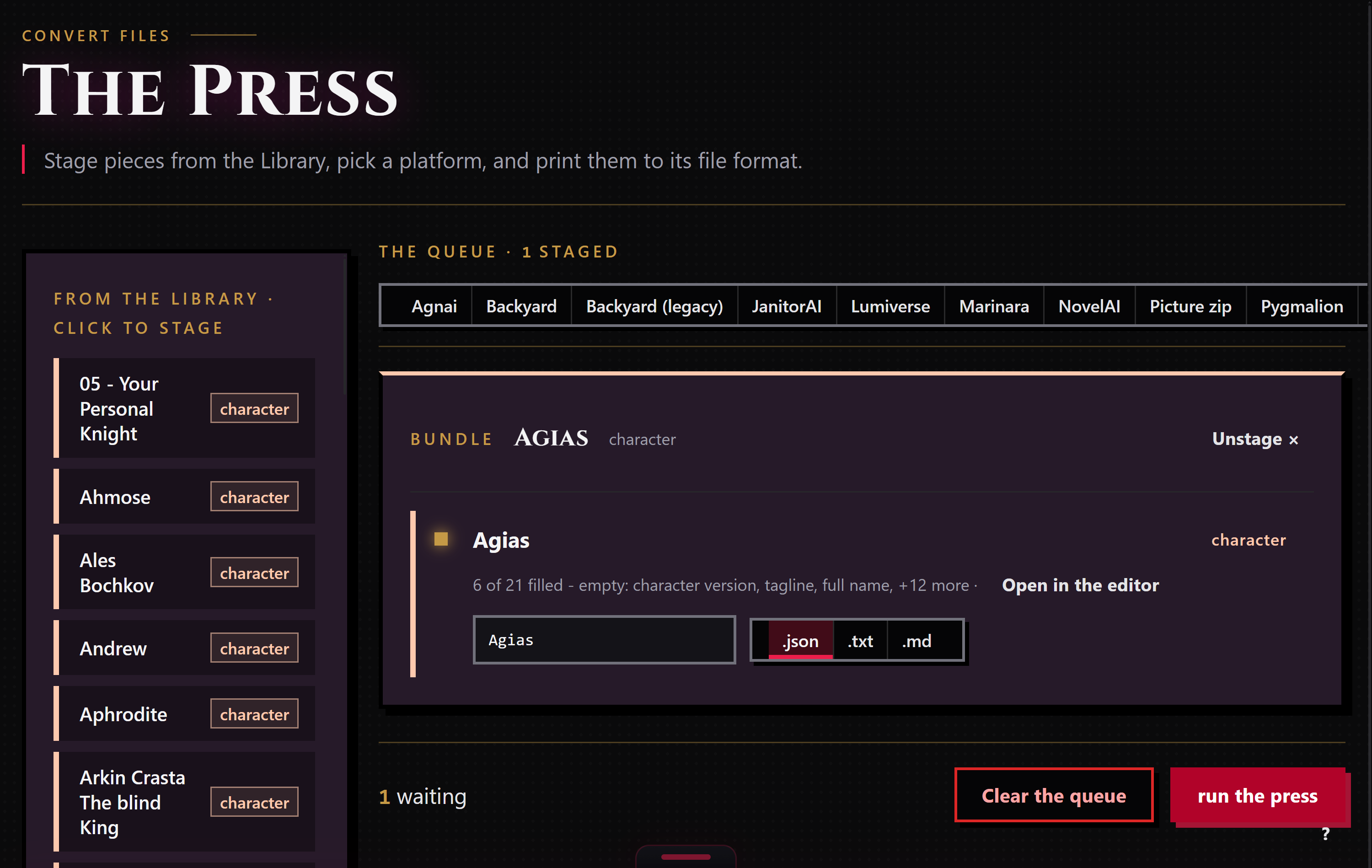
When a piece is ready to leave, stage it for the Press: right-click it and choose "Stage for the Press," or drop it in from the Press's own rail. Since NovelAI has no character card, a lorebook staged on its own prints by itself; a lorebook already linked to some character piece rides along with that character instead.
Bunzai writes NovelAI lorebooks as .lorebook. Choosing a different app as the target applies the drop story above. The reverse direction is honest too: converting a lorebook into NovelAI from another app, one that never passed through NovelAI at all, builds each entry onto NovelAI's own blank-entry defaults, the same starting point NovelAI itself uses for a new entry, so the file loads clean.
Common questions
- Will my lorebook come back exactly as it was? Yes, if you export it back to NovelAI. Same app in, same app out, and only the entries you touched are rewritten.
- Does NovelAI have character cards Bunzai can read? No. The lorebook is the only portable file NovelAI gives you, so every NovelAI import lands in the Library as a standalone lorebook piece, never a character.
- What happens to my inline
/regex/keywords? They're read and kept as regex, not flattened into plain words. NovelAI writes the pattern right inside the keyword itself, and Bunzai keeps it there. - My imported lorebook shows up with no name. Why? NovelAI's export carries no book-level name; NovelAI keeps that in its own interface, not in the file. Give the piece a name in the Library or the Workbench and it sticks from then on.
- Will NovelAI's phrase bias and context wrap survive in another app? No. Those are NovelAI-only dials with no matching slot anywhere else, so a convert to a different app leaves them behind. They're still there, untouched, if you export back to NovelAI.