Docs / User / Pygmalion
Pygmalion
Pygmalion is the classic flat character format from before Character Card V2 existed: five plain-text fields, either standalone as a .json file or hidden inside a .png picture the same way SillyTavern's own cards hide their text. Community tools like aichar and TextGen-WebUI still read and write it. This page shows you how to bring one into Bunzai, edit it, and send it back out, whether to Pygmalion again or to another app.

What Bunzai reads
Bunzai reads Pygmalion's classic card, whichever container it's sitting in:
- A
.jsonfile, the plain five-field document on its own. - A
.pngfile, the same text tucked inside the picture, the same trick SillyTavern's own cards use.
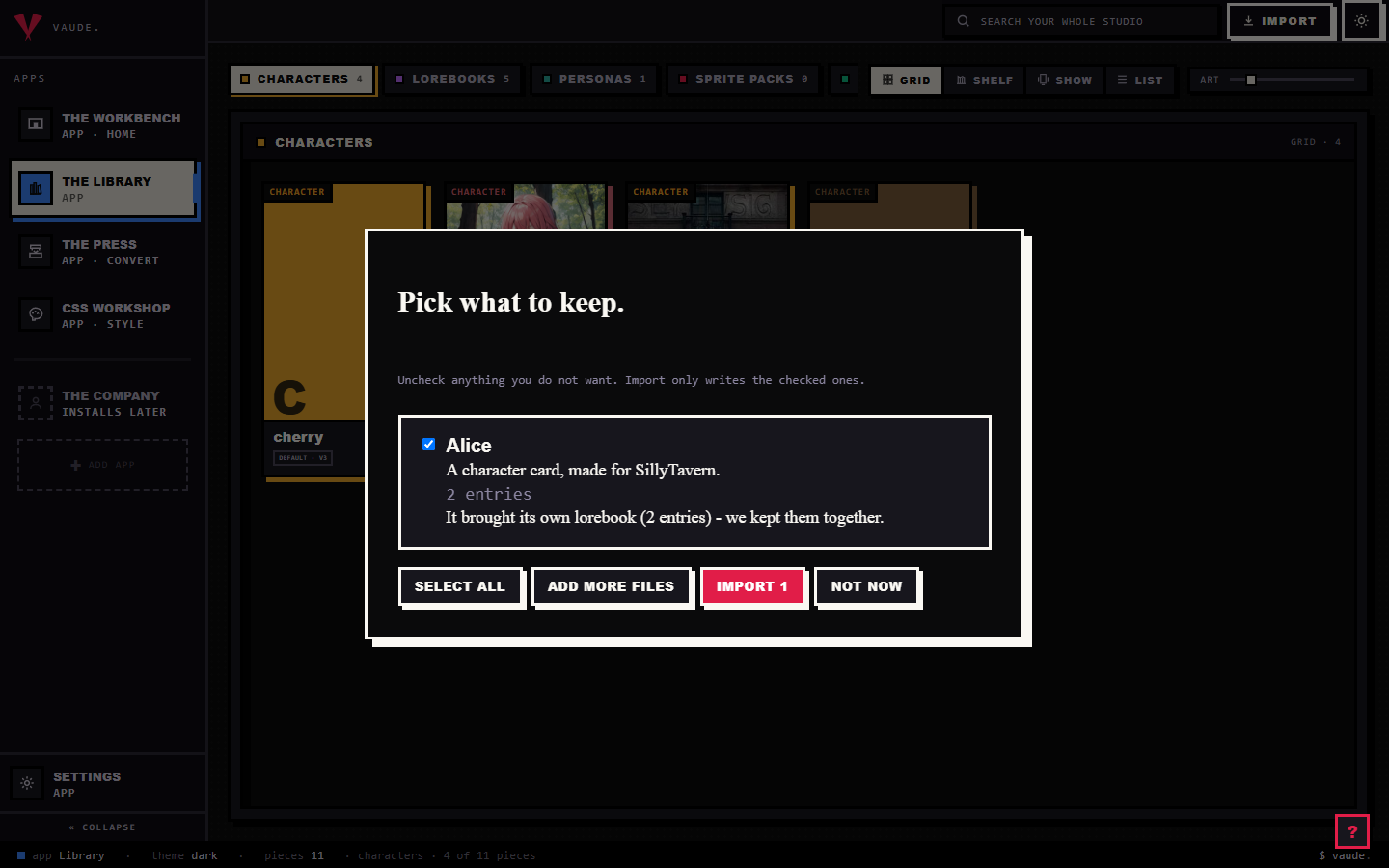
To bring one in, drag the file onto the Library and drop it anywhere in the room. Bunzai reads the file and shows you a plain-words receipt: what it read, and what it kept. It recognizes a Pygmalion card by what's actually inside it, not by the file's name, so renaming a file does not confuse it. A picture can hide a few different card shapes the same way, so Bunzai checks that what's tucked inside genuinely is Pygmalion's shape before it claims the file, meaning it never mistakes a real SillyTavern card for a Pygmalion one just because both hide their text the same way. For the full walkthrough, see the importing guide.
What comes across cleanly
Importing loses nothing. Bunzai keeps a complete copy of the original card, then lifts the parts you actually work with into fields you can see and edit directly:
- Name
- Persona, the one blob covering who they are and how they act (also shown as the description, so any view that only has room for a description still has text)
- Scenario
- Greeting, the character's opening line
- Example dialogue
If the card arrived as a .png, the picture is kept too, and Bunzai shows it as the piece's portrait. Some export tools stamp a small bookkeeping note onto the file, a version number, a timestamp, which tool made it, and Bunzai doesn't have a field for that, so it just rides along untouched in the background. So after an import, everything that was in the card is still there: the five fields above are ready to edit, and the rest is held safely in the background.
What changes when you convert to another app
This is the honest part, and for Pygmalion it is a short one.
A same-app round-trip keeps everything. Import a Pygmalion card, edit it, and export it back to Pygmalion, and you get everything back, because Bunzai kept the original card and only rewrote the fields you changed. If the card came in as a .png, exporting back to Pygmalion folds the (possibly edited) fields into a fresh copy of that same picture.
Converting to a different app is where things drop, though Pygmalion's classic wire barely has anything to drop in the first place. It never carried extensions, scripts, tags, or a system prompt, so there is no pile of private extras sitting behind the five fields the way there is for a newer card format.
| Content | Back to Pygmalion | To another app |
|---|---|---|
| Core character: name, persona, scenario, greeting, example dialogue | Kept | Comes across, as far as that app can hold it |
| Tool bookkeeping (version, timestamp, tool name some exporters stamp on) | Kept | Dropped |
The picture, when the card arrived as a .png |
Kept, folded back into a fresh picture | Comes across as a picture if that app has a slot for one, not every app does |
"Another app" here means a genuinely different app such as SillyTavern, Agnai, Backyard, RoleCall, or Risu. The drop is deliberate: Bunzai never blind-copies one app's private settings into another app's file, though for a Pygmalion card there is rarely much like that sitting around to begin with.
Editing on the Workbench
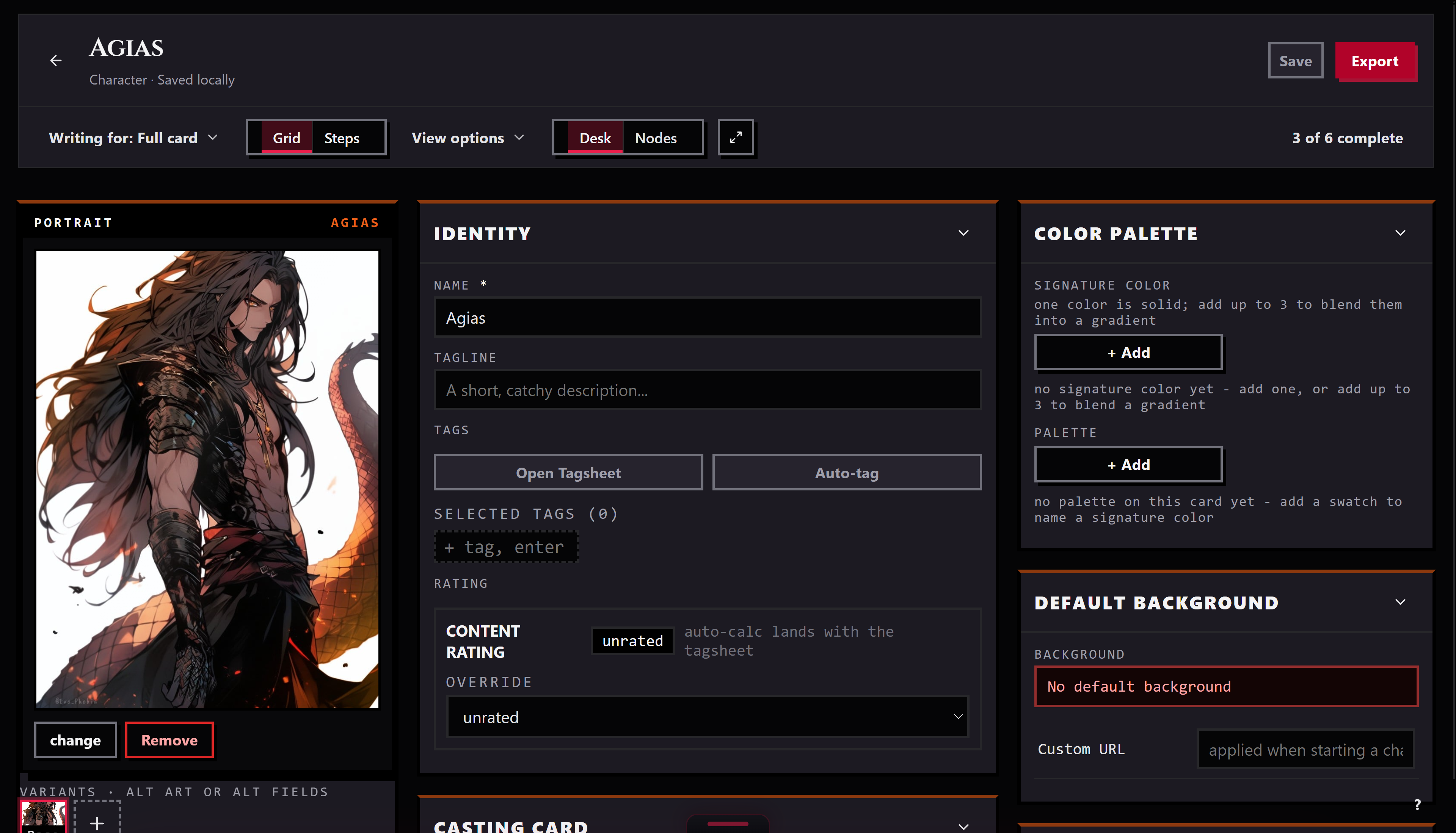
Send a piece from the Library to the Workbench and it opens as a tab. There you can edit the name, personality, scenario, first message, and example messages. The description field mirrors the persona for display, but on a Pygmalion piece it is read-only in effect: editing description alone and leaving personality untouched will not reach the card on export, so edit personality when you mean to change how the character reads. When you save, Bunzai writes the whole card back, so the tool bookkeeping and anything else you did not touch stay exactly as it was.
Exporting back out
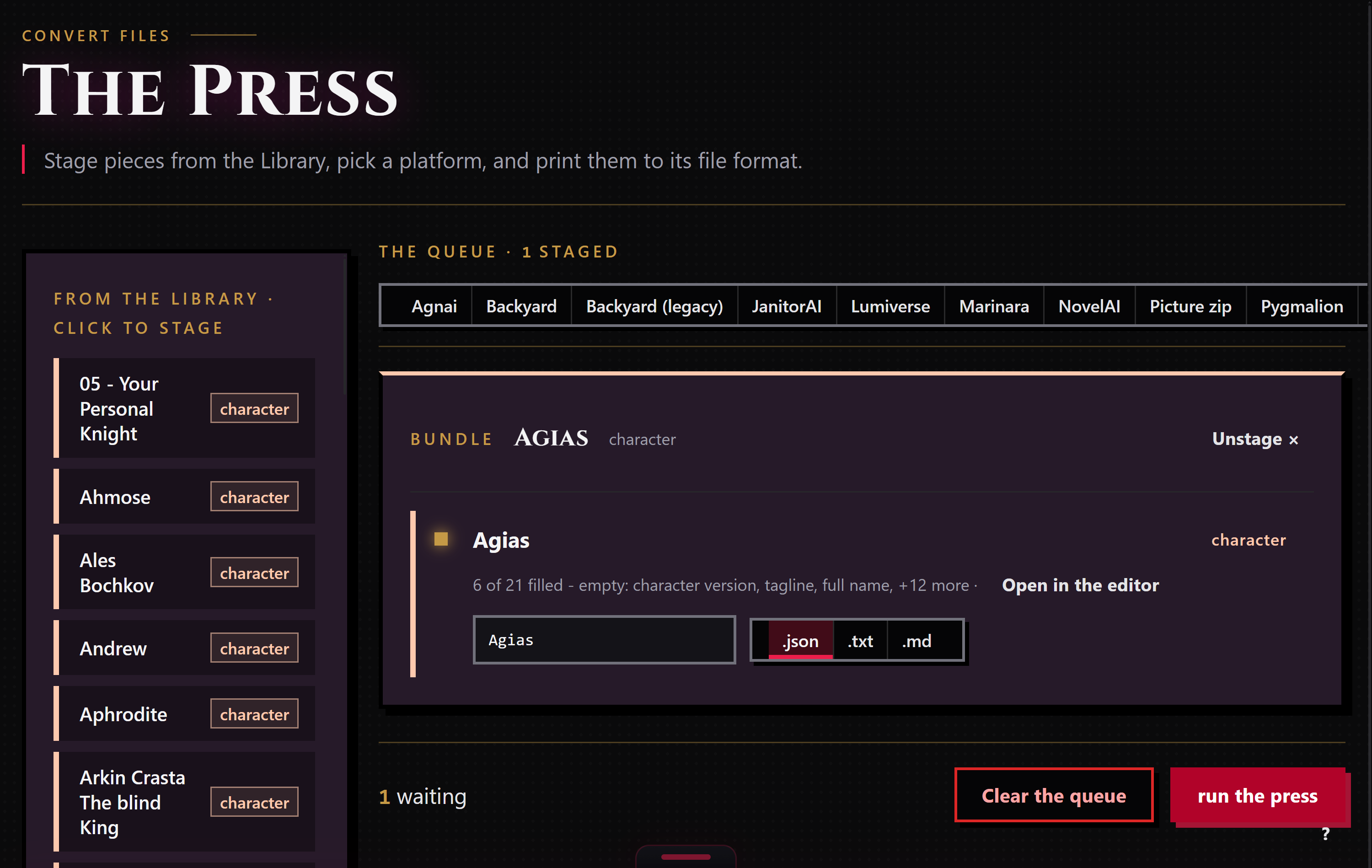
When a piece is ready to leave, stage it for the Press: right-click it and choose "Stage for the Press," or drop it in from the Press's own rail. The Press works only the pieces you staged, and each run exports to one target format that you pick.
Bunzai writes Pygmalion cards as .json, the five fields plus whatever else rode along in the original. If the piece's own history includes a .png you imported, exporting back to Pygmalion folds the current fields into a fresh copy of that picture; if the fold ever fails for some reason, Bunzai falls back to plain .json rather than losing your edit. Converting a piece that started life somewhere else to Pygmalion writes plain .json with no picture attached: Bunzai only produces a Pygmalion .png from a Pygmalion .png you actually gave it. Choosing a different app as the target applies the drop story above.
Common questions
- Will my card come back exactly as it was? Yes, if you export it back to Pygmalion. Same format in, same format out, nothing lost.
- I imported a
.png. Do I get a.pngback? Only if you export back to Pygmalion, and only when Bunzai can fold your edits into a fresh copy of the picture; if that step fails you get plain.jsoninstead, not a broken file. Any other target writes plain.jsonfields, no picture attached. - Does my character's picture come with it? Bunzai keeps the card art on import and shows it as the piece's portrait. It comes back on an export to Pygmalion. On an export to a different app it comes across as a picture if that app has a slot for one, and it is never invented from nothing: converting a card that never had a picture to Pygmalion never produces one either.
- My card only has a name and a greeting, no persona or scenario. Will Bunzai recognize it? Not on its own. Bunzai needs at least two of persona, greeting, and scenario together, or a name plus a persona specifically, before it will call a file a Pygmalion card.
- What about the tool bookkeeping some exporters add? It rides along untouched on a round-trip back to Pygmalion. Converting to a different app drops it, because it is not something the shared character model has a slot for.